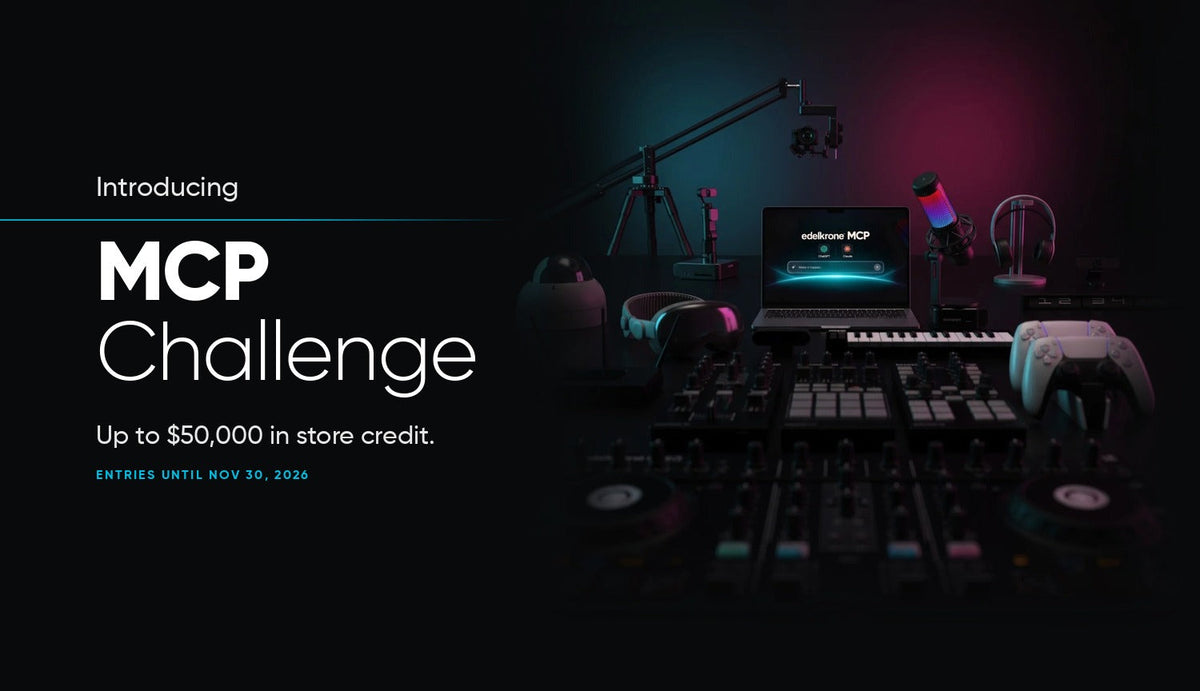

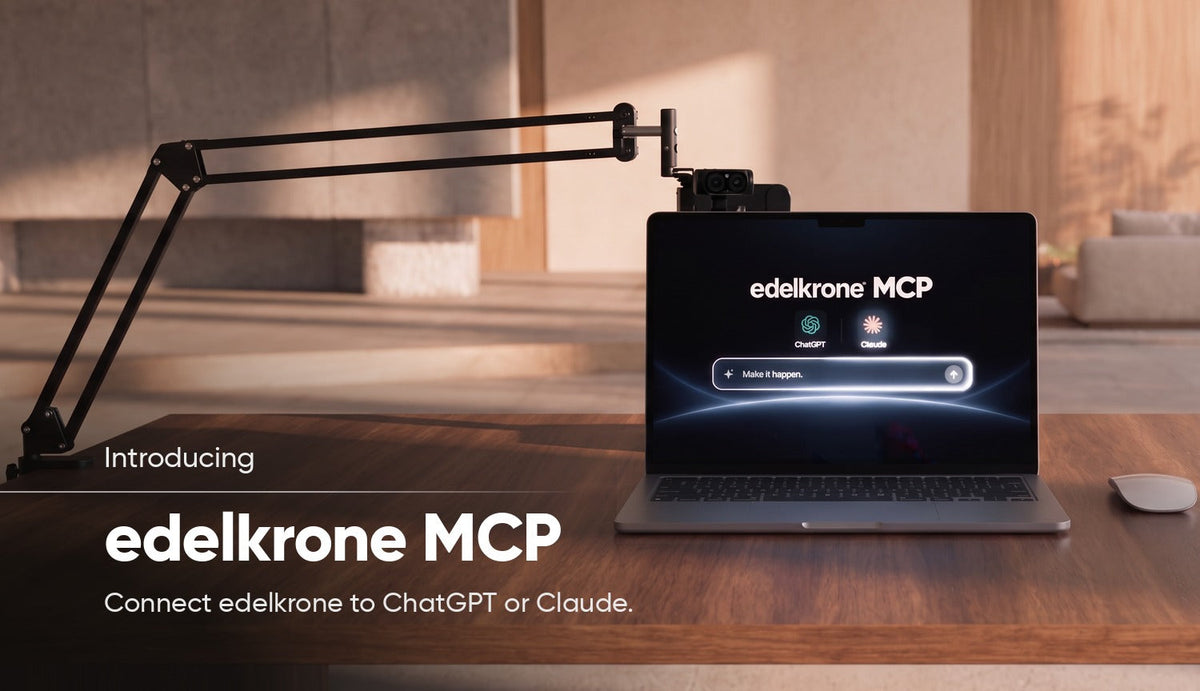
edelkrone MCP is live. It connects your edelkrone gear to ChatGPT or Claude. Describe what you want in plain words, and your assistant can control your gear, build custom tools, automate workflows and connect edelkrone to almost anything.
The same chat also handles product questions, your orders, support requests and sharing what you build. It is free with your edelkrone account, and no coding skills are required.
What it opens up


It works both ways
Anything can control edelkrone. A game controller, a smart-home event or a sensor can start a move. Drive a slider and head with a PlayStation controller, start a move when someone walks into the room, or keep several devices moving in sync.

edelkrone can control anything. Your devices continuously report motor states, positions and accelerometer data. Use that stream to switch on a light, start the music or trigger a camera at exactly the right moment.

It also plugs into the tools you already use. Connect your gear to Dragonframe for stop-motion, or send live positions to Unreal Engine and Cinema 4D so the real camera and the virtual one move together. Add a dev board or an off-the-shelf sensor, and a distance sensor can teach a slider to stop by itself.

You don't need to be a developer
SDKs used to be tools for experienced programmers. Now you say what you want, and ChatGPT or Claude builds it with the edelkrone SDK: a custom control, an integration, even a complete app. Each of these starts with one sentence:
"Let me drive my slider and head with my PlayStation controller."
"Start the move when my motion sensor sees someone walk in."
"When the head reaches this angle, turn on the key light and start the music."
"Stop the slider by itself if the distance sensor sees anything closer than 30 cm."
"Move my slider back to the start position."
edelkrone, in your own chat
No website to visit and no form to fill in. Ask about products, compatibility and setup in the assistant you already use. When you sign in with your edelkrone account, answers take your orders and the devices you own into account. If you need a person, open a support ticket from the chat and someone on the support team answers it.
Get started
Adding edelkrone MCP takes about a minute. In Claude or ChatGPT, add a custom connector with the address below and sign in with your edelkrone.com account.
https://connect.edelkrone.com/mcp
Step-by-step instructions for Claude, Claude Code, ChatGPT and other assistants, the documentation and the App Showroom are on connect.edelkrone.com.
Not sure where to begin? Once connected, try this as your first message:
"Provide new application ideas I can execute with my existing edelkrone gear using the edelkrone MCP, and update me on the latest innovations from edelkrone."
This is where things are heading: people talking to every company through that company's MCP, from their own assistant. edelkrone chose to build its own now instead of waiting.