Introducing edelkrone App v2: A New Era of Seamless Motion Control
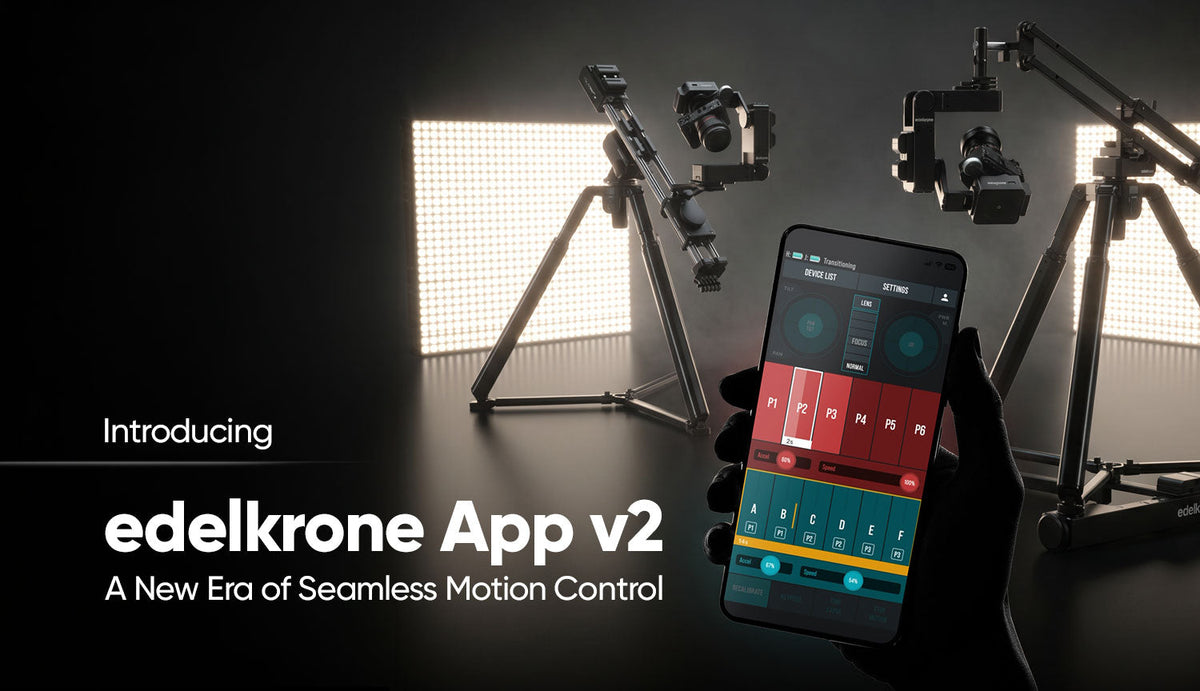
The edelkrone App v2 is officially live on the App Store and Google Play. This marks the end of our TestFlight-only period for stable releases, bringing a completely reimagined, fully unified motion control hub to your fingertips.


Designed to group, command, and program every edelkrone device from a single application, App v2 offers complete feature parity across iOS and Android. Whether you are running a simple slider or a massive 7-axis camera robot, the software running your hardware will keep getting better over time. Here is a comprehensive look at the new operating system, ground-breaking features, and powerful creative tools now at your disposal.
A Rebuilt Operating System and Unbreakable Connectivity
Under the hood of the v2 app lies a brand-new operating system. This massive overhaul involved completely rewriting the embedded device firmware, the command infrastructure, and the movement algorithms to maximize stability and speed.
- Re-Engineered Wireless Reliability: Wireless multi-device connectivity has always been a signature feature of the edelkrone ecosystem. App v2 introduces a completely re-engineered Bluetooth algorithm that elevates this existing capability to an entirely new level of robustness. Up to four devices can stay seamlessly linked continuously throughout your shoot day, free from dropouts, provided the environment is free of heavy signal jamming and battery life permits.
- Live Mode: A new setting that keeps your motors continuously engaged for as long as the system is powered on. This eliminates the wake-up vibration that used to occur when motors cycled off and on between movements. You can still reposition by hand at any time — a gentle push temporarily disengages the motors.
Total Peace of Mind: Wired Fallback & What's Coming Next
We know that in the past, wireless interference has caused headaches on set for some users. If you have ever experienced a dropped connection or read concerns about it online, we hear you. That is exactly why we spent years completely rebuilding our Bluetooth protocol for App v2.
However, if you are shooting in a heavily congested environment, or if you are simply someone who never wants to leave anything to chance—we want to remind you of a tried-and-true legacy feature that guarantees a zero-drop workflow: Wired Communication for PLUS Devices.
Using the Link Cable included with your HeadPLUS, you can hardwire your core devices (SliderPLUS, JibPLUS, DollyPLUS, and HeadPLUS) together for an unbreakable, rock-solid physical connection. (Note: Linking three or more devices requires the edelkrone Wired Signal Hub).
Coming Soon: Direct Wired Control from Your Devices While device-to-device wiring is a staple of the PLUS ecosystem, we know the ultimate zero-risk setup requires hardwiring your controller itself. We are excited to announce that a brand-new adapter is in the final stages of development. Very soon, you will be able to wire your smartphone, Mac, or PC directly into your edelkrone setup, closing the loop for complete, end-to-end wired command.
Unlocking Limitless Creative Movement
App v2 introduces transformative motion capabilities, expanding your creative toolkit while heavily optimizing the user interface.
- Advanced Motion Chains: You can now plan smooth, continuous movements across up to 12 independent positions (increased from 6).
- Multi-Point Motion Chains: Points can now be assigned to specific Positions. As your camera rig executes complex body movements, the head seamlessly tracks the positional coordinates you defined, unlocking incredible layered camera moves.
- Standalone Jib Motion Chains: Both JibONE and JibPLUS now support Motion Chains natively, without requiring a paired head device.
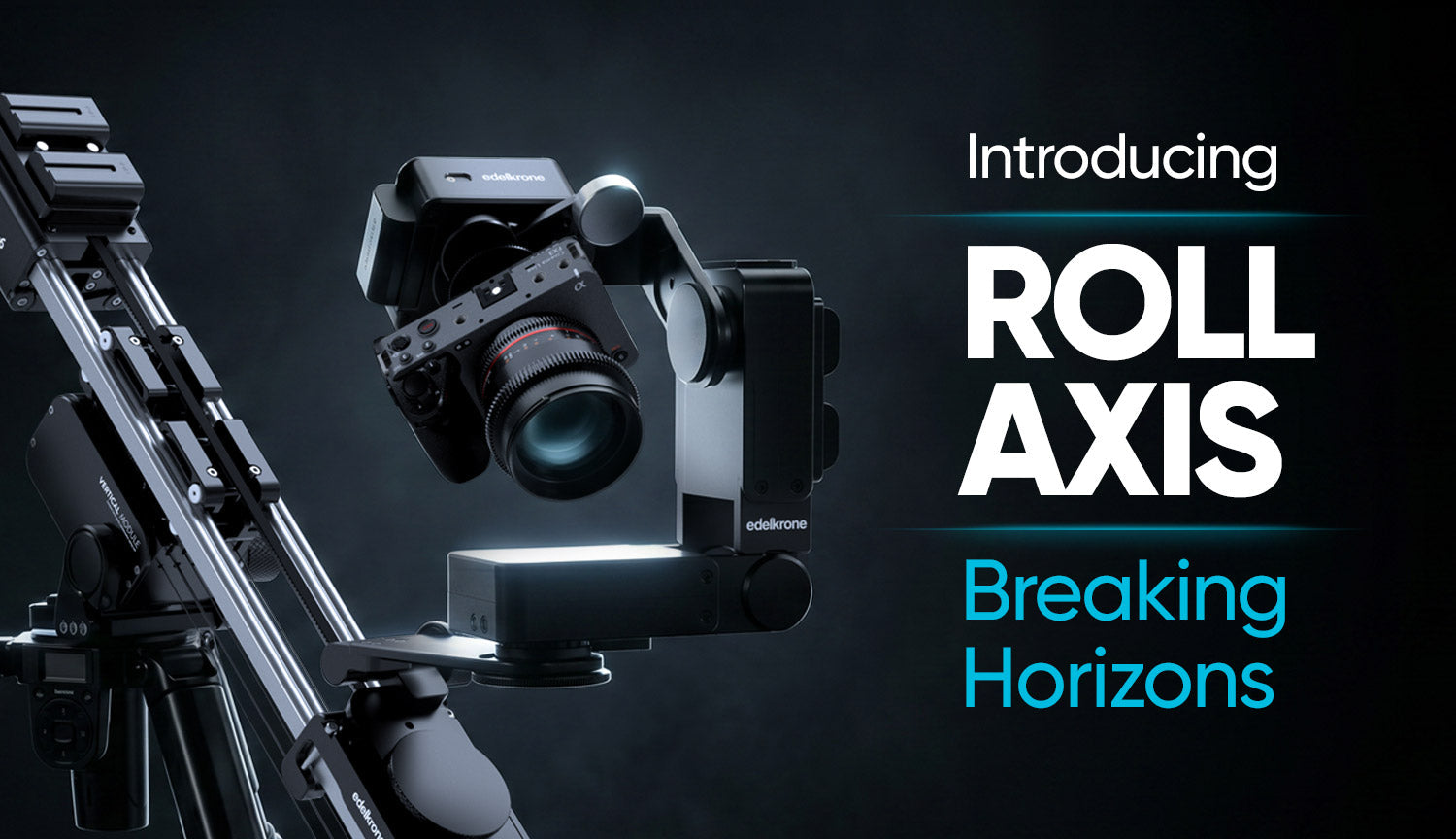
- Roll Movement Integration: You can finally unlock true 3-axis control. By combining a HeadPLUS, a HeadONE, and the Roll Module, you can add dynamic Roll to your Pan and Tilt movements—perfect for high-end product shots and music videos. Roll axis is now supported on HeadPLUS v3 PRO across every configuration, and a Roll Module can be attached directly to a HeadPLUS for a standalone 3-axis setup with no additional body device required.
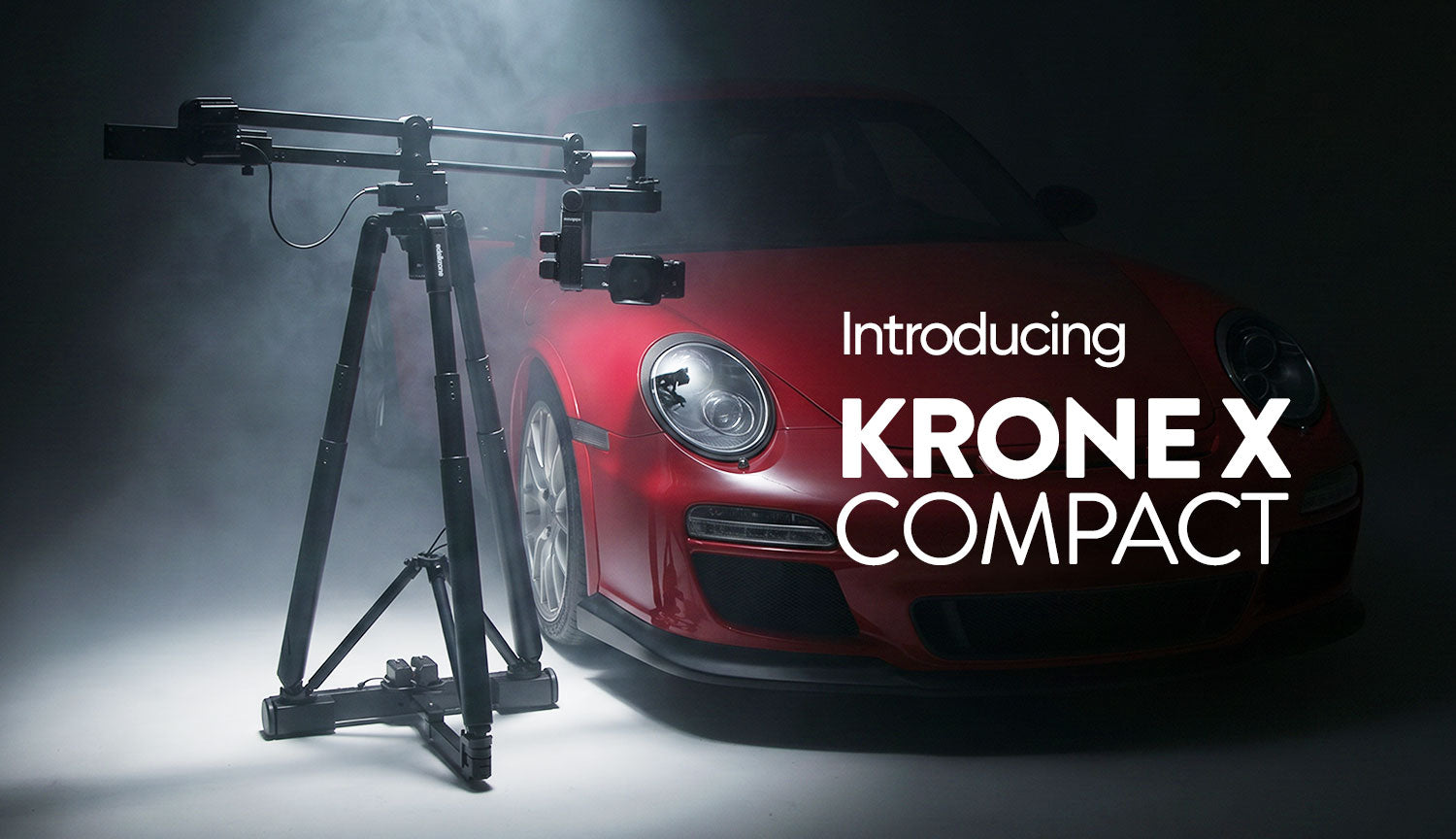
- Krone X Mini: HeadPLUS owners can now combine a JibONE and a DollyONE to build a compact Krone X setup.
- Motion Chain Timelapse: Now available on Dolly products, with support rolling out across the rest of the ecosystem.
- Packshot Edge Bundle Support: Full support for the SliderPLUS paired with Dual HeadONEs is live, allowing one HeadONE to handle point tracking while the other drives a turntable.
- Streamlined UI & Tap-to-Save: Complex programming is faster than ever. Saving a Position, Keypose, or starting a point teaching now requires just a single tap instead of a long press.
Positional Tracking vs. Vision Tracking
edelkrone's legacy point-tracking technology is unique in the industry because it relies on positional coordinates rather than image processing. In complex 4-axis to 7-axis setups, this is what makes automated programming feasible and flawless. You can define up to 6 distinct target points and trigger them throughout your motion chain.
Here is why edelkrone's coordinate-based system outperforms traditional image-based tracking:
| Challenge | Traditional Vision-Based Tracking | edelkrone Positional Tracking |
|---|---|---|
| Obstacles | Fails completely if an object blocks the camera. | Immune. Tracking continues flawlessly. |
| Target Alteration | Fails if the subject changes shape, color, or rotates. | Immune. Tracks the spatial coordinate. |
| Micro-Movements | Causes camera jitter by reacting to tiny subject twitches. | Smooth. Focuses purely on the defined coordinate. |
| Lighting Changes | Fails in low light or shifting lighting conditions. | Unaffected by environmental lighting. |
| Multiple Targets | Locked to a single subject; cannot transition targets. | Transitions smoothly between multiple saved targets. |
That said, there are shots where vision-based tracking is simply the right tool — an unscripted subject moving freely through a space, for instance. This is why we built the Vision Module. Its monitor mode is live in the app today, and full face tracking is arriving shortly. The point is not to replace positional tracking, but to give you both approaches in one system and let the shot decide which one you reach for.
Lightning-Fast Workflows & Ecosystem Enhancements
edelkrone remains the fastest motion control system to program globally. Because the system handles the complex pan and tilt variables automatically, a single operator can easily set up and capture dozens of complex 7-axis compositions in a matter of hours. App v2 brings several specific workflow improvements to make this even faster:
- Turntable Center Improvements: Teaching the center of a turntable has been drastically simplified. You can use direct center marking (one tap if the center is visible, two if not), utilize Laser Module support, or use the new "Skip" feature to keep taught points fixed in space during rotation.
- Dolly Match Position & Flexibility: You can now clear accumulated positional drift on DollyPLUS by physically returning it to a known location to resync. If the dolly is pulled off its path, you now have three options: Move Path, New Path, or Recover Path.
- Jib Drift Lock & Enhanced Tracking: Jib motors now hold a soft-lock state at the end of each move, staying in position until nudged by hand. Tracking resolution and responsiveness on all Jib products have also been significantly improved, and the difference is especially noticeable over a wired Link port connection.
- Redesigned Lens Mapping & Focus Shift: The lens mapping flow from infinity to close focus has been streamlined. You can also utilize Single Shift (to adjust focus when the target surface is behind a taught point) or Global Shift (to offset the entire lens map).
- Rodeo Mode for Krone X: A new firmware-level movement mode for Krone X setups.
- Legacy Module Support: The previous generation Focus/Zoom Module v2 is fully supported.
Multi-Platform Mastery: iPad and macOS
Beyond iOS and Android phones, App v2 runs natively on iPad and macOS. For solo operators managing complex sets, you can now run multiple independent instances side-by-side on an iPad or Mac. This allows you to connect to and control several different edelkrone setups simultaneously from a single screen.
What's Coming Next
Our commitment is that your hardware continues to evolve. While App Store builds will now only feature fully completed tools, we have a clear roadmap for what is exiting beta next:
| Feature | Target Release |
|---|---|
| Vision Module Face Tracking (completes Vision Module support) |
September 2026 |
| Phone Mode Return | October 2026 |
| Motion Chain Timelapse across the full ecosystem |
November 2026 |
One Thing We Have to Be Straight About
Controller-free operation, which we announced as Tap to Move, is not going to ship. We were not able to get it to a level of reliability we would be comfortable putting in your hands, and we would rather tell you that plainly than keep moving the date.
If you purchased a product specifically because this feature was on our roadmap, please get in touch with us. We want to make it right.
If you are using the new features and want to master them, or if you run into something unexpected, the edelkrone Academy is your best first stop for Shot Breakdown videos and tutorials.
Welcome to edelkrone App v2. Limitless motion is now in your hands.