


▼
Your Gimbal Keeps You Framed. Dolly GO Keeps It Moving
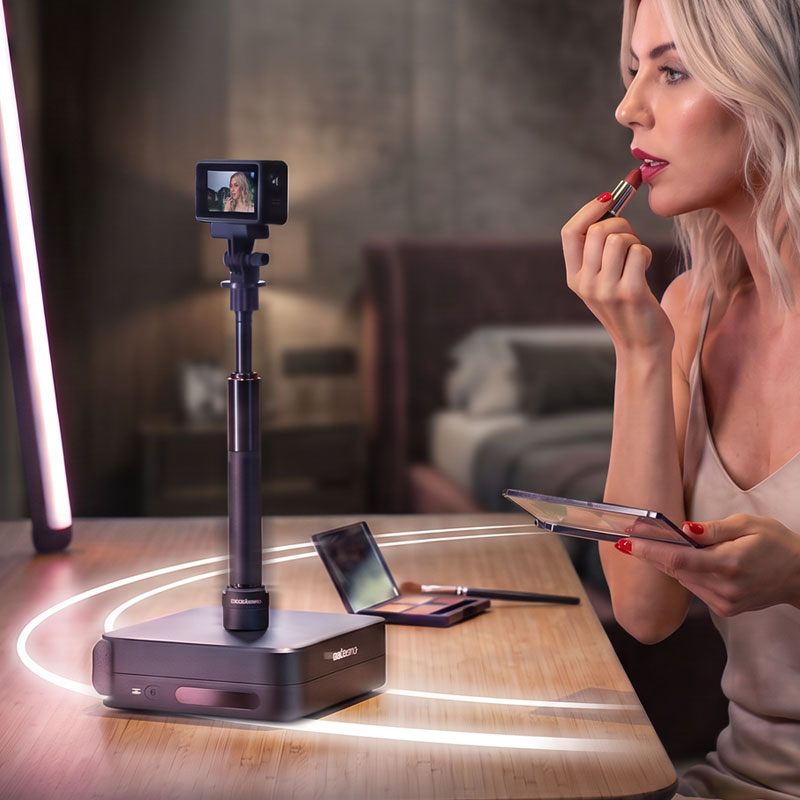
Dolly GO moves your gimbal along a path you set, while your gimbal's tracking keeps you in frame. Get real camera movement without anyone operating the camera.
Put motion on autopilot.
You present, Dolly GO operates.
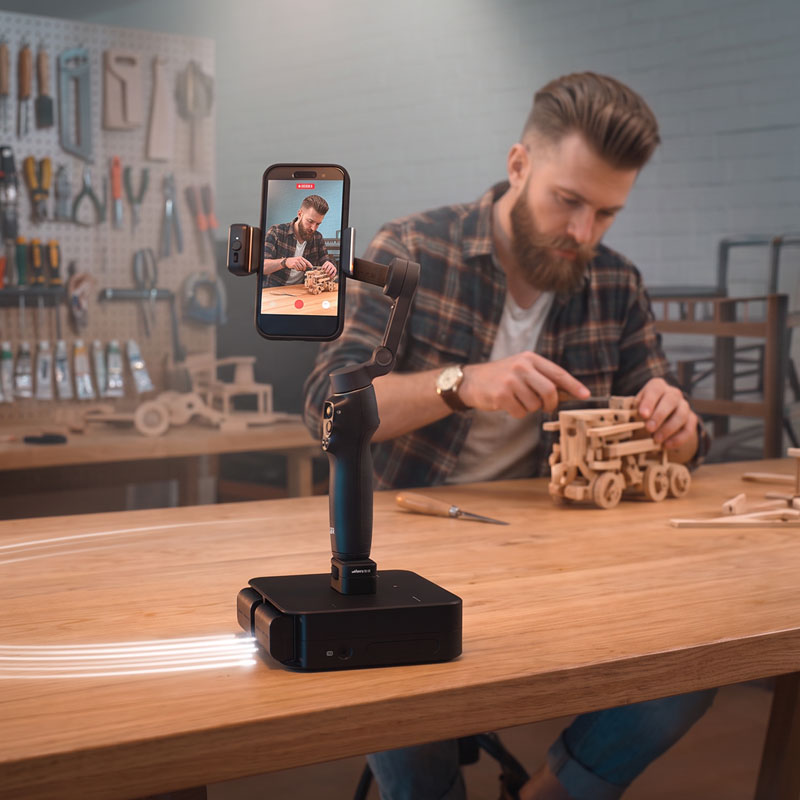
Stay focused on your craft while Dolly GO keeps your gimbal moving and the shot alive. Keep performing or creating without stepping away to operate the camera—or needing anyone behind it.
Put Camera Motion Where No Operator Fits
Dolly GO needs only a small flat surface to create a moving shot. Place it inside a vehicle, on a shelf, or anywhere larger motion gear cannot work—and turn even the tightest spaces into dynamic new angles.
▼
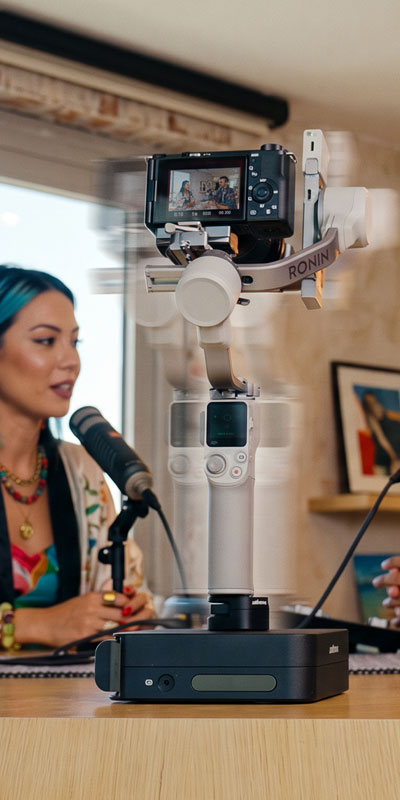
Multi-Camera Production With Just One Camera
A shoot that needs to cover a large space usually means more cameras. Dolly GO replaces a rack of cameras with one. It remembers up to 12 positions across your set, so a single camera and gimbal can cover as many framings as most productions need. No extra bodies to buy, no extra batteries to charge, no extra cards to offload, and no multi-angle sync to untangle in post.
Dolly GO turns the move itself into a shot. The travel between positions is smooth enough to keep in the final cut, so a repositioning becomes a deliberate transition. Add a 360° camera and you gain a second layer of freedom: it records every direction, so you can set the framing in the edit and let one take yield several different shots.
Dolly GO gets you to the next angle in seconds. Tap a saved position in the app and your whole setup travels there on its own, without anyone walking over to reposition it. Your shoot keeps moving at the pace you were working at, not the pace of resetting gear.
▼
Shoot First, Frame Later with 360° Cameras
Pair Dolly GO with a 360° camera and start shooting without committing to a frame. Dolly GO creates real camera movement while the camera captures every angle, letting you reframe, track subjects, and direct the final shot later in the camera’s app.
The Easiest Way to Create Dynamic Solo Footage
Just place Dolly GO, press record, and focus on what you’re doing. Afterward, use your 360° camera’s app to explore every angle, choose your framing, and track what matters—all from a single take.
Move the Frame. Guide the Story.
Reframe and animate the view after shooting, while Dolly GO’s real camera movement adds natural parallax and keeps every transition dynamic.
▼
No Gimbal? No Problem.
Just a Camera and Dolly GO
Dolly GO is a complete tool on its own. Bolt a camera straight onto it, with no gimbal, no motorized head, no 360° camera, and you still get real cinematic movement: side-to-side slides, dolly-ins, and sweeping arcs around a subject.
Repeat Takes for VFX Shots
Get the identical camera move as many times as you want. Just mark Dolly GO's starting position on the surface and return it to that mark before each run. Then layer the takes in your editing software and mask between them. With every take perfectly aligned, you can swap objects, subjects, or entire parts of the scene while the motion stays smooth and uninterrupted.
Motion Types
LINE
A straight path between the points you set.
ARC
A curved path around a point you choose. The camera travels while the shot stays locked on the same spot.
FREE
Any shape you like. Steer it with the app and it remembers the path.
Teach It by Hand
Just move the dolly where you want it by hand. It’s the most natural way to build motion with no technical programming, just hands-on teaching.
Drive it Live with the App
Steer from the app while you shoot, and use your gimbal's tracking to hold the subject while you improvise.
▼
Control from any Device

edelkrone App
The edelkrone App serves as a comprehensive and intuitive control platform, enabling seamless wireless control of all edelkrone devices from both Apple and Android devices.


▼
Dolly GO works with any gimbal or camera setup
When the camera is moving, framing matters. Pair your dolly with any gimbal to keep attention where you want it, on you, or on a product, without constantly correcting the shot.
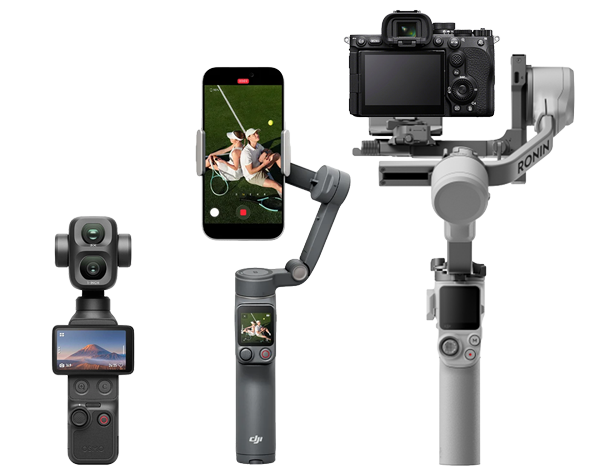
Gimbals
Use Dolly GO with pocket gimbal cameras such as DJI Osmo Pocket 3, Pocket 4, Pocket 4P, and Insta360 Luna Ultra; smartphone gimbals including DJI Osmo Mobile 8P and Insta360 Flow 2 Pro; or camera gimbals such as DJI RS 4 Mini.
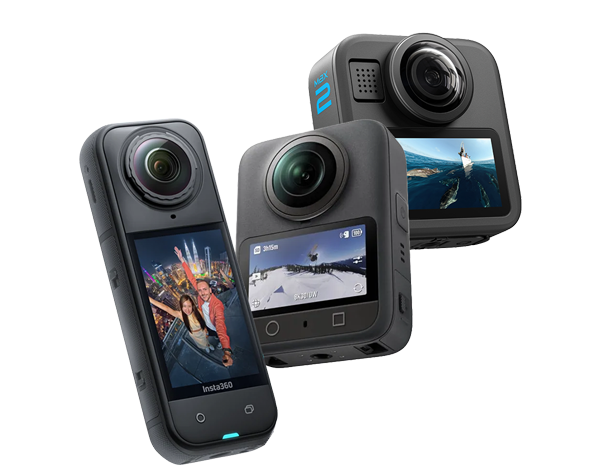
360° Cameras
Mount the latest 360° cameras, including Insta360 X6 and DJI Osmo 360 II, as well as Insta360 X5, DJI Osmo 360, and GoPro MAX2. Capture every direction, then reframe, change angles, or track subjects afterward—while Dolly GO’s physical movement creates real parallax.
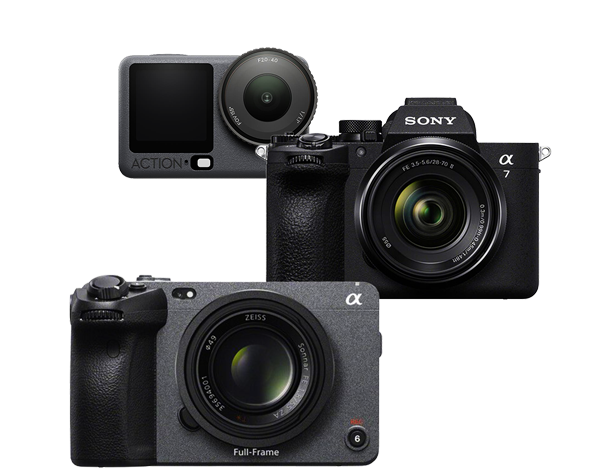
Cameras Without a Gimbal
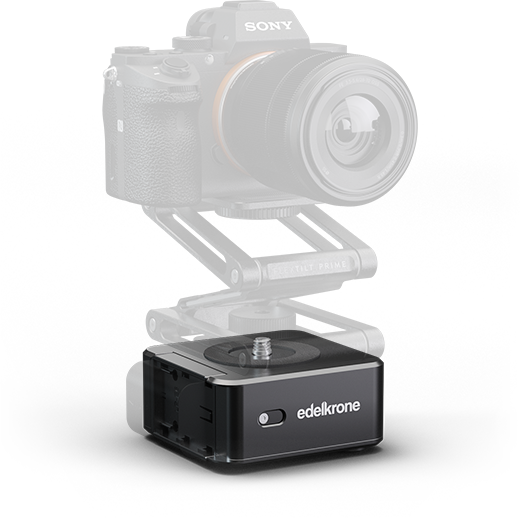
Mount action cameras such as DJI Osmo Action 6, GoPro HERO, and Insta360 Ace Pro 2 directly to Dolly GO, or use a tripod head or FlexTILT with DSLR and mirrorless cameras such as Sony FX3 and Sony α7 series.
Endless Possibilities
Property Walkthroughs
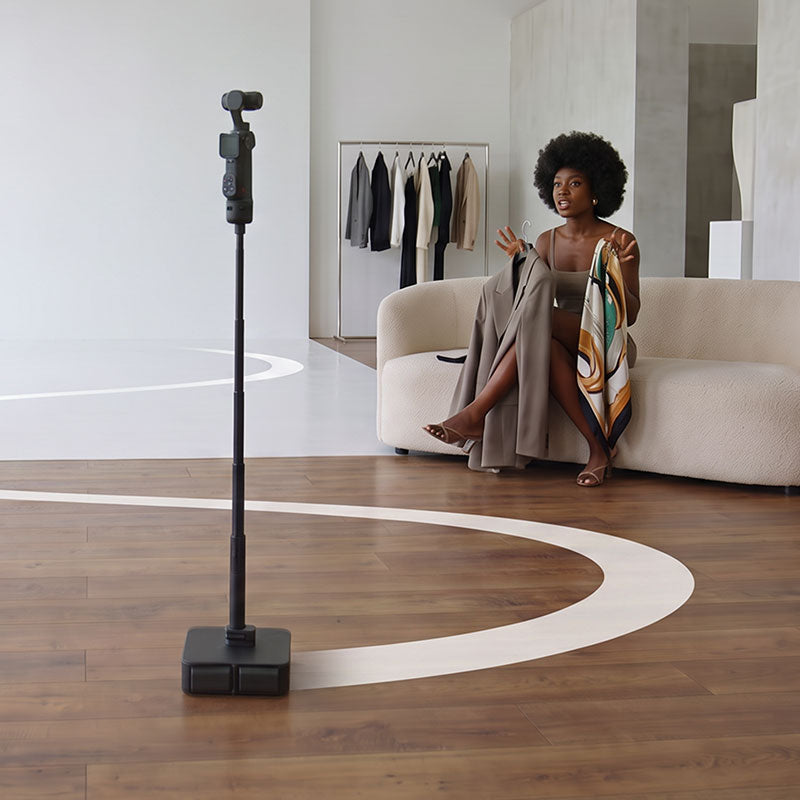
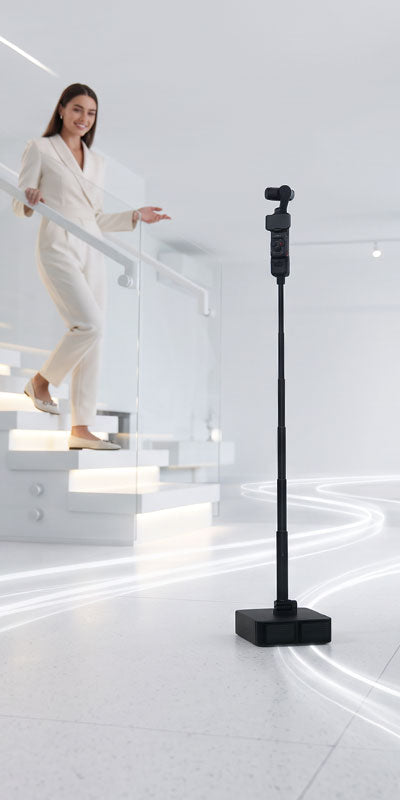
Walk viewers through a property or present any space while staying in the shot. With your gimbal keeping you framed, Dolly GO moves along its path as you present, creating smooth, professional walkthroughs.
Product Showcases on a Larger Scale
Showcase vehicles and other large products with smooth, cinematic camera movement. Whether presenting them yourself or letting the product speak for itself, Dolly GO helps you capture polished promotional footage with minimal gear.
Food and Beverage Content
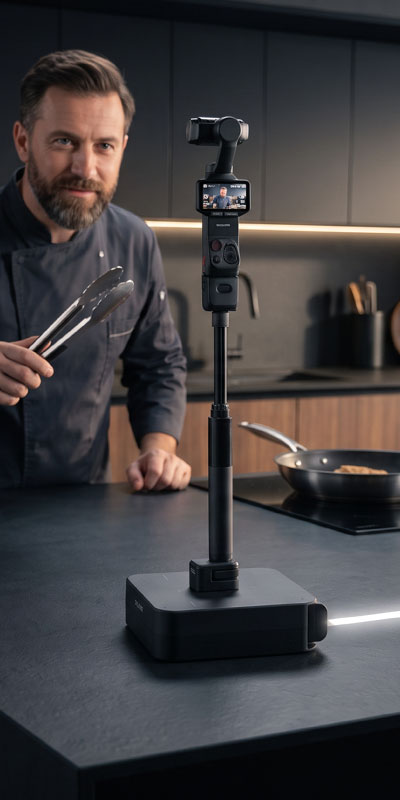
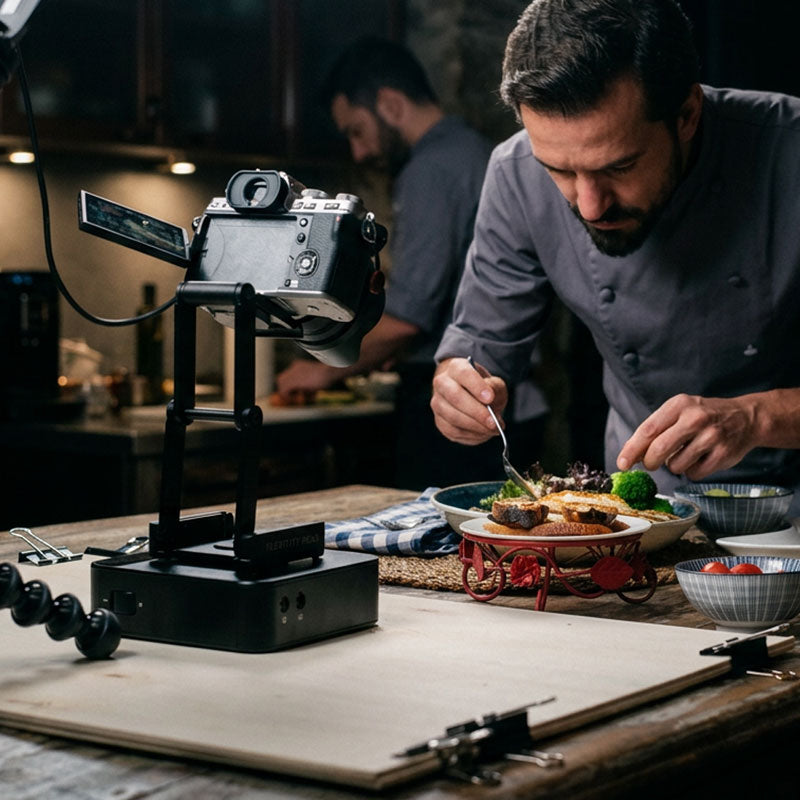
From home recipes to professional food and beverage content, Dolly GO makes the process as engaging as the result. Film yourself preparing, plating, brewing, or mixing while your gimbal captures every detail in smooth motion.
Always With You
Compact enough to fit in any bag, Dolly GO is easy to carry wherever you create—so dynamic camera movement can be part of every shoot.
▼
Motion Time-Lapse
Turn time into a moving story
The dolly advances between frames, so the timelapse has real camera movement instead of a fixed frame.
* This example was shot with a DJI Osmo 360 camera. The framing was adjusted and keyframed afterward.
Shoot Advanced Time-Lapses with Just Dolly GO and Your Camera
Connect Dolly GO to your camera with a shutter cable to unlock advanced time-lapse features.
Get Close.

▼
Small in Size. Serious in Every Detail.
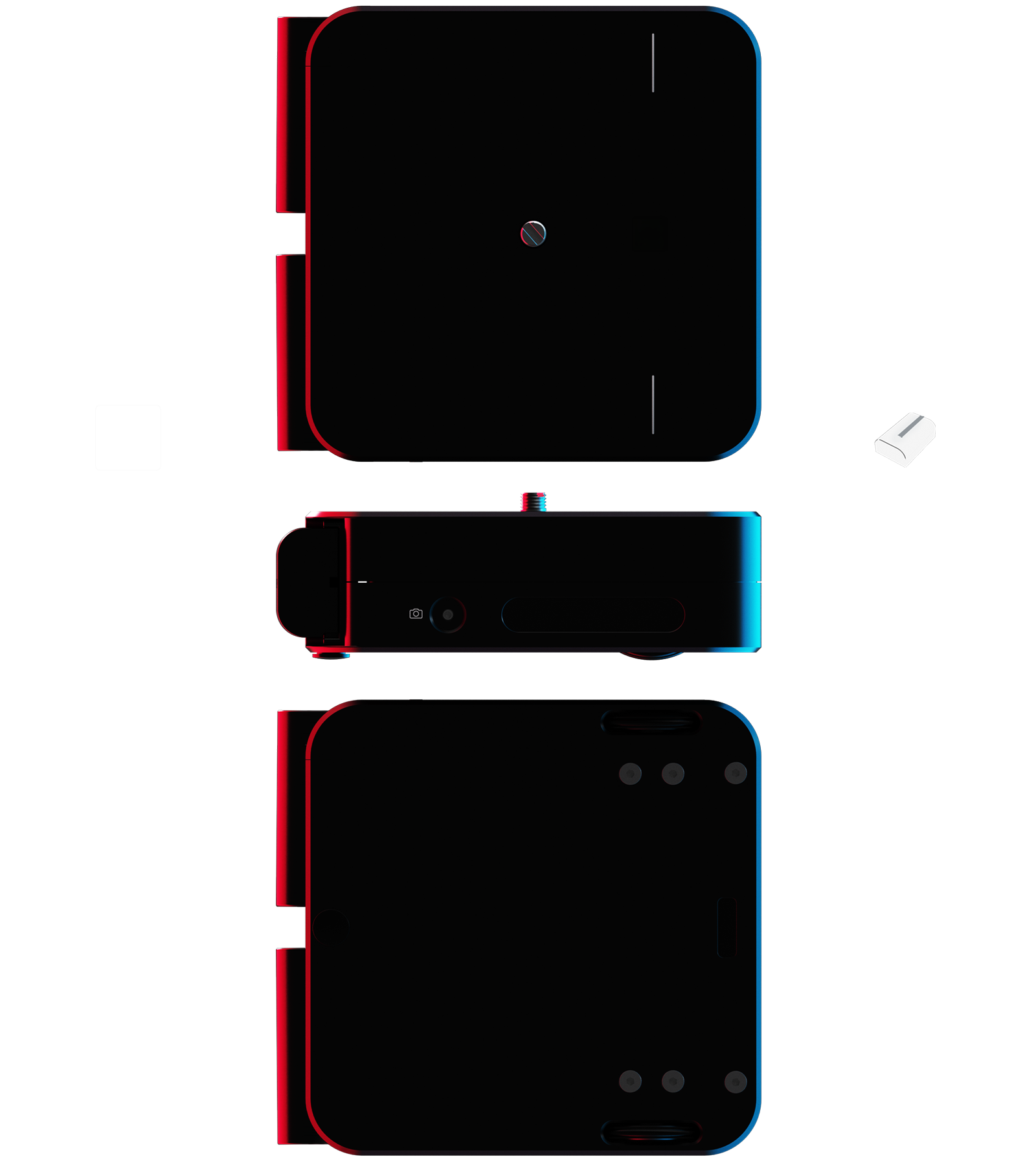
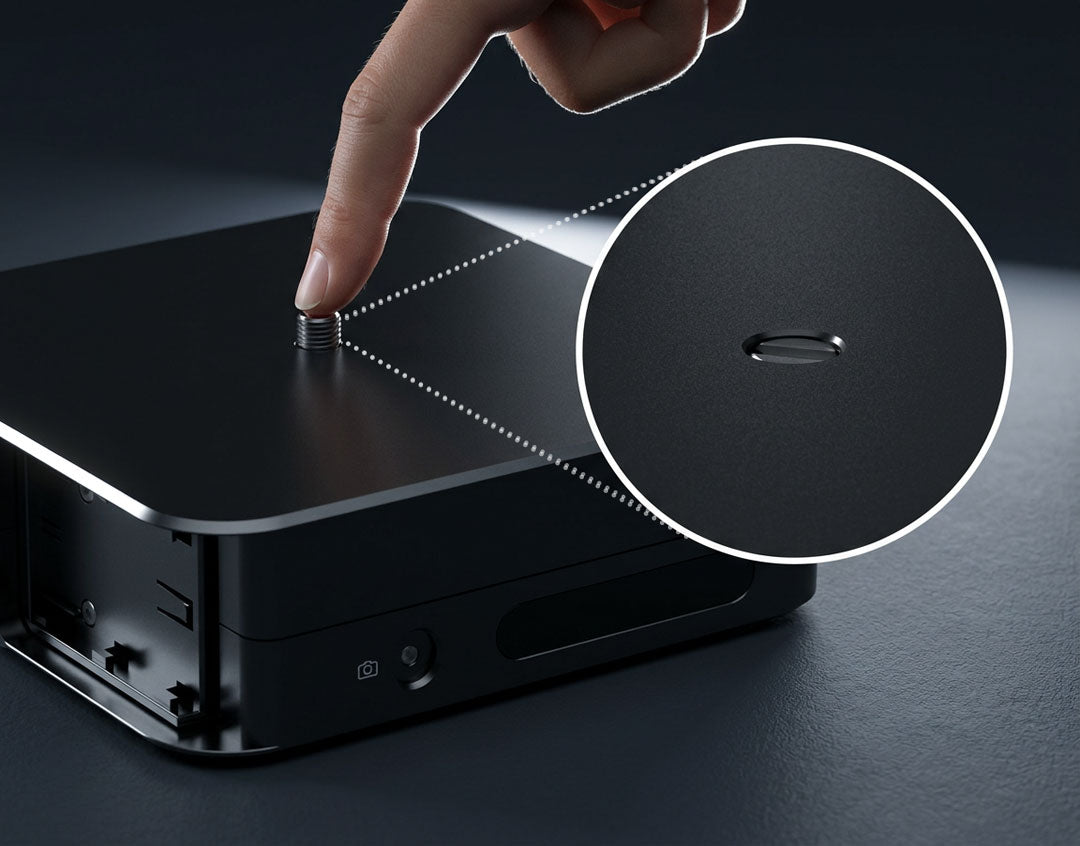
Pop-up Screw
For safe storage in the bag.
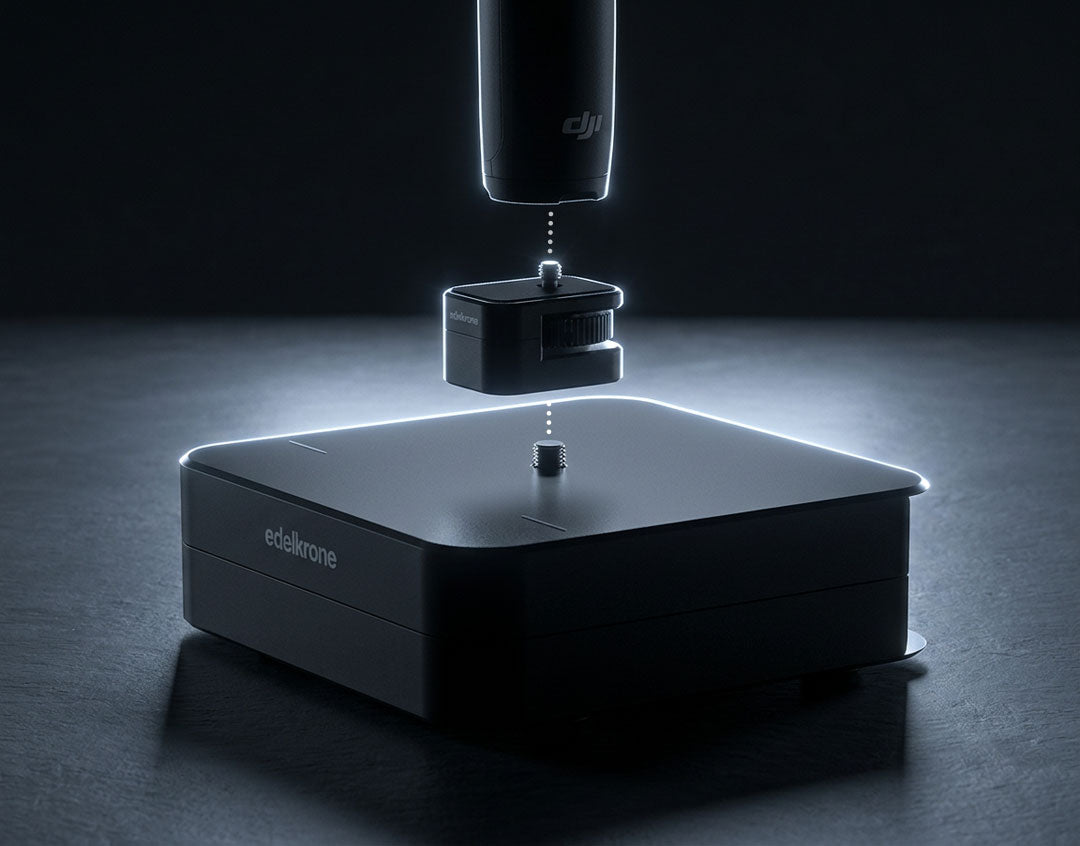
Gimbal Connector
(Sold Separately)
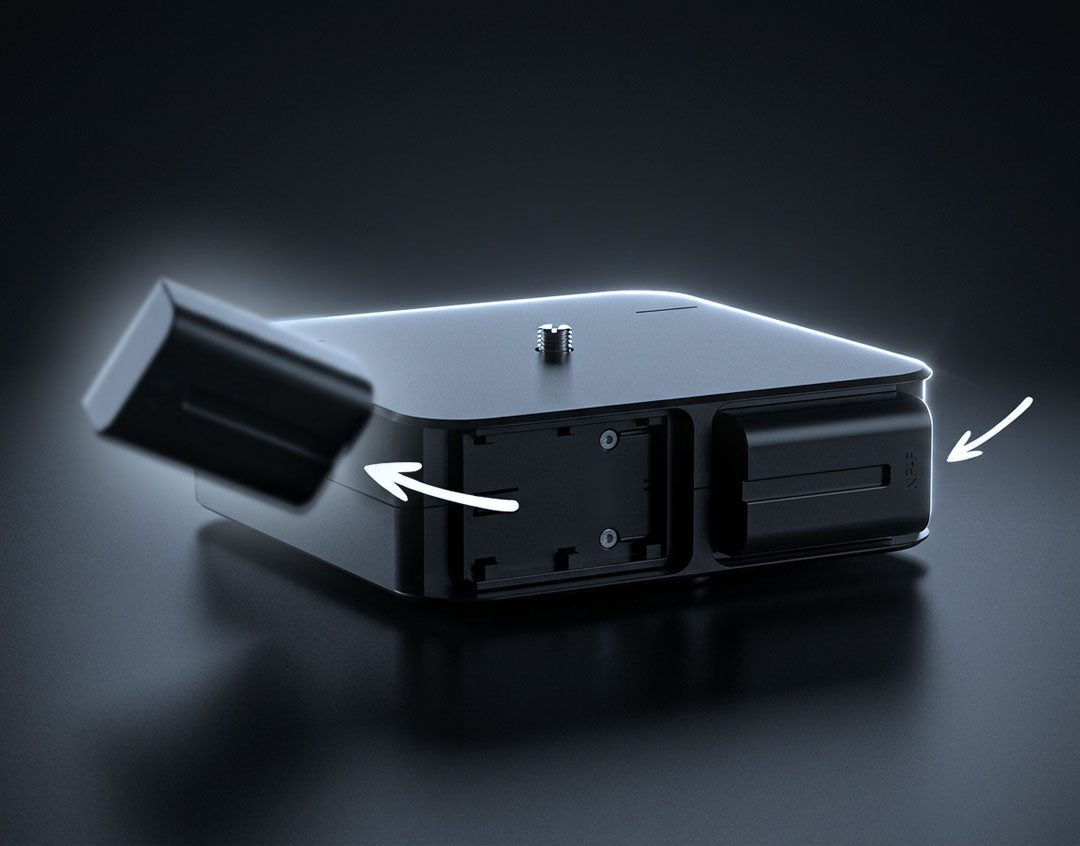
Dual Battery Bracket
For uninterrupted power.
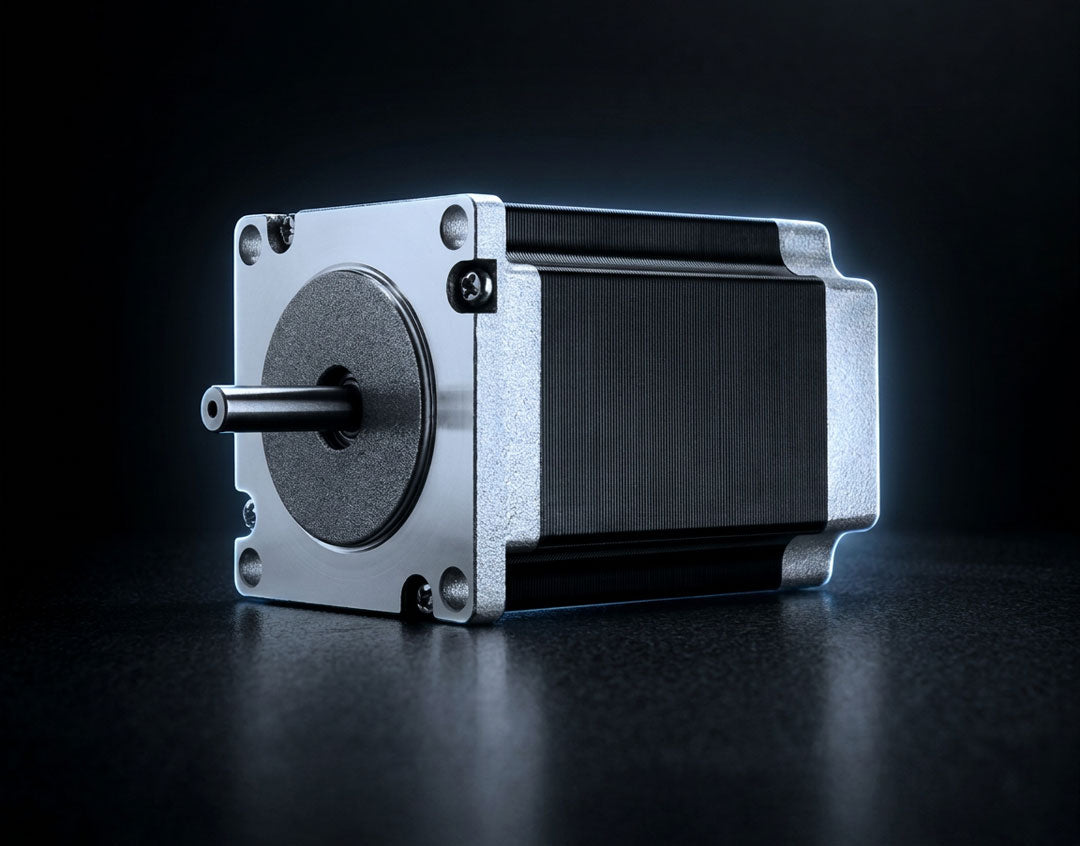
Ultra-Precise Step Motors
For precise position control.
Compatible
Surfaces
Dolly GO works on table-top surfaces and smooth indoor floors, with no stabilization beyond the finalization normally applied to motion control footage.
| Tech Specs | |
|---|---|
Box Contents |
|
Top: 3/8"-16 Mounting Screw |
|
Maximum Load Capacity |
5.07 lb
|
Recommended Load Capacity |
3.75 lb
|
Maximum Speed |
|
Control Interface |
|
Motor Type |
|
Battery Bracket Type |
|
Battery & Power Specifications |
|
Shutter Trigger Socket for Timelapse (2.5 mm) Shutter trigger cable sold separately.
|
|
Materials |
|
Compatible Surfaces |
|
Product Evolution |
|
| Weight and Dimension | |
Product Weight |
2.83 lb
|
Compacted Size |
|
| Compatible With | |
HeadONE v2 |
|
▼
Also works great with HeadONE
(Pan only)
HeadONE brings ultra-smooth camera panning motion with Point Tracking in an ultra-portable form. Dual HeadONE setup is not recommended.